Everything You Need
A complete screenplay and pre-production toolkit. AI is completely optional.
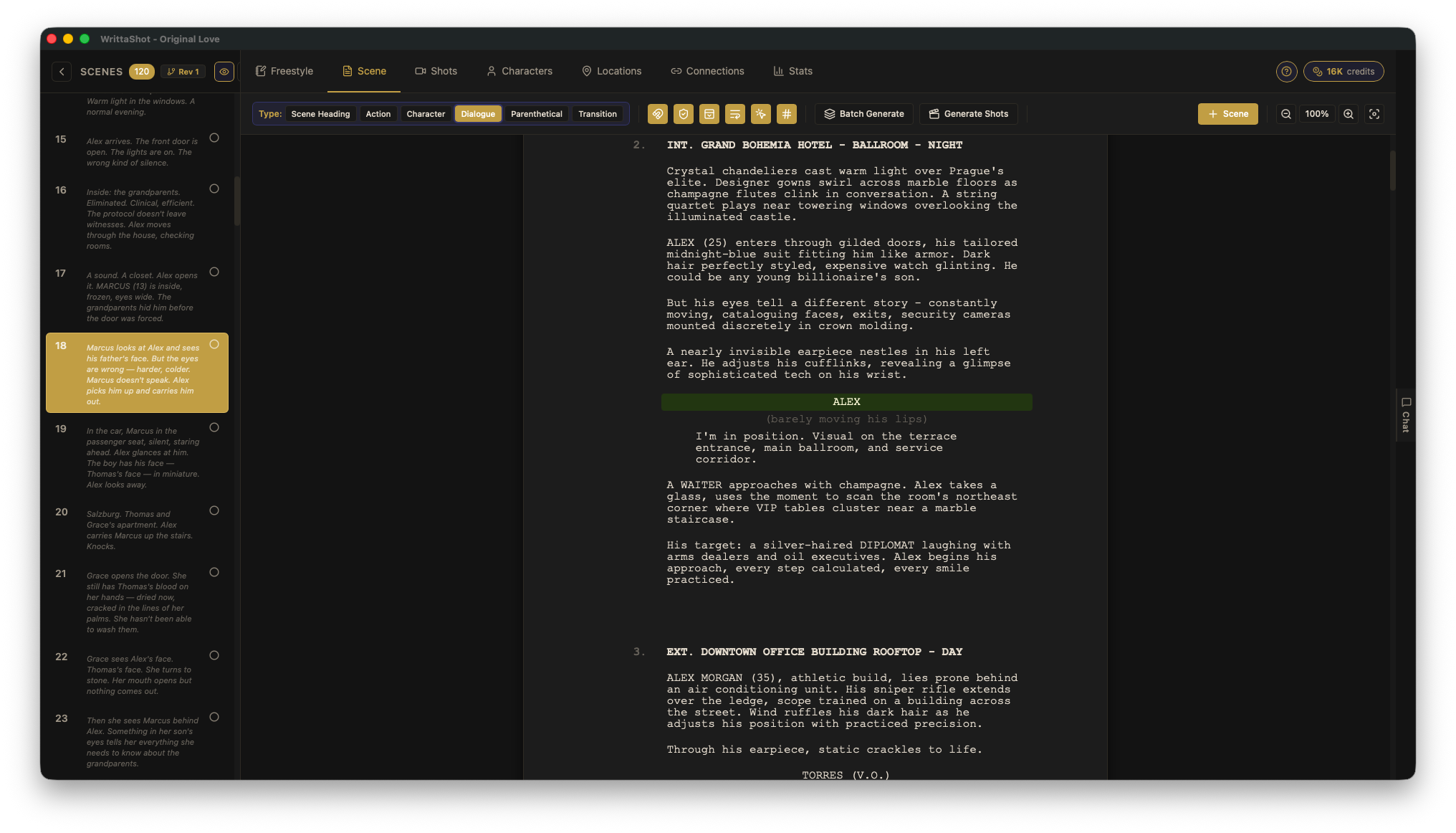
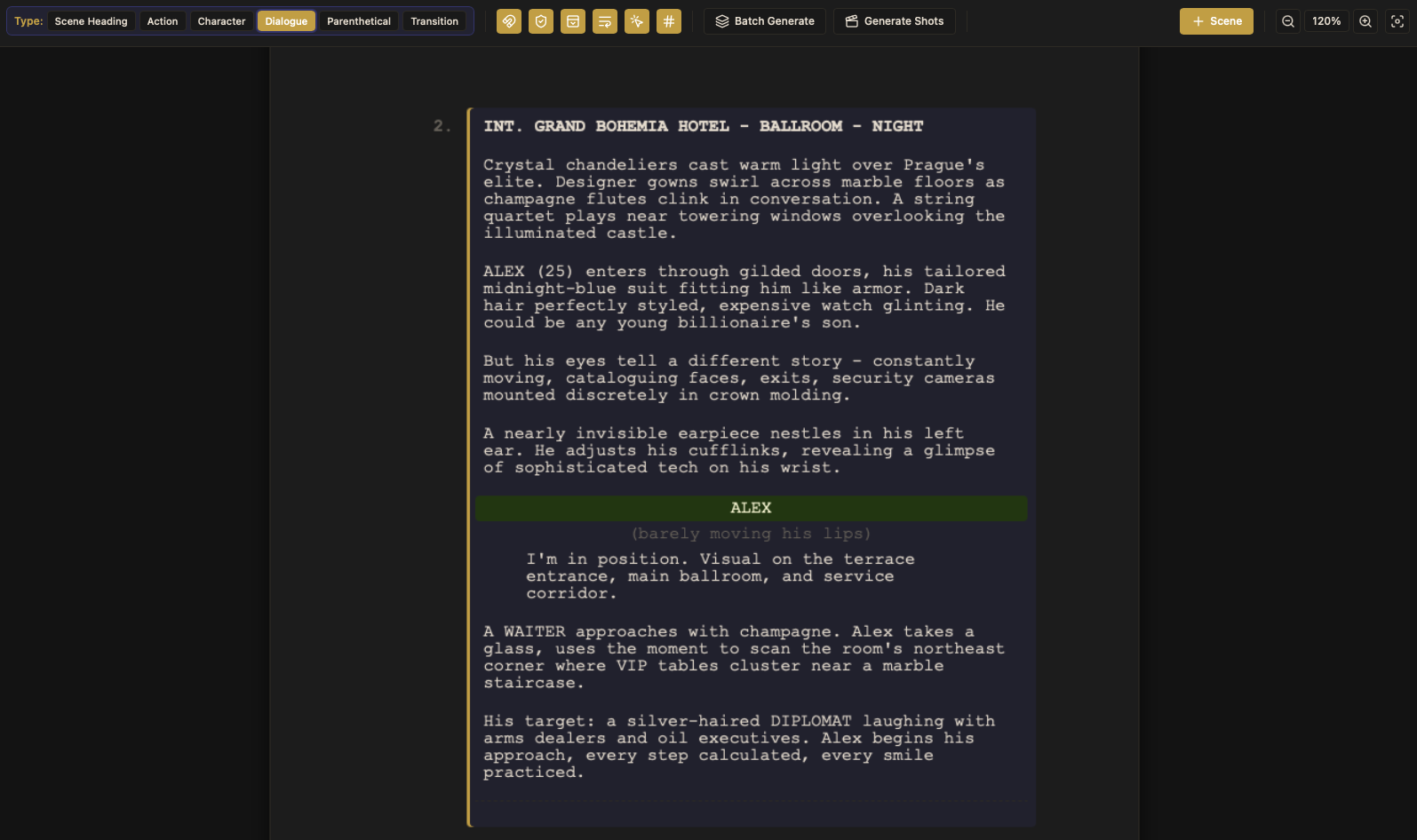
Professional Screenplay Editor
Write directly in WrittaShot with proper formatting — scene headings, action, dialogue, transitions. Everything a screenwriter needs, organized by scenes.


Shot Planning
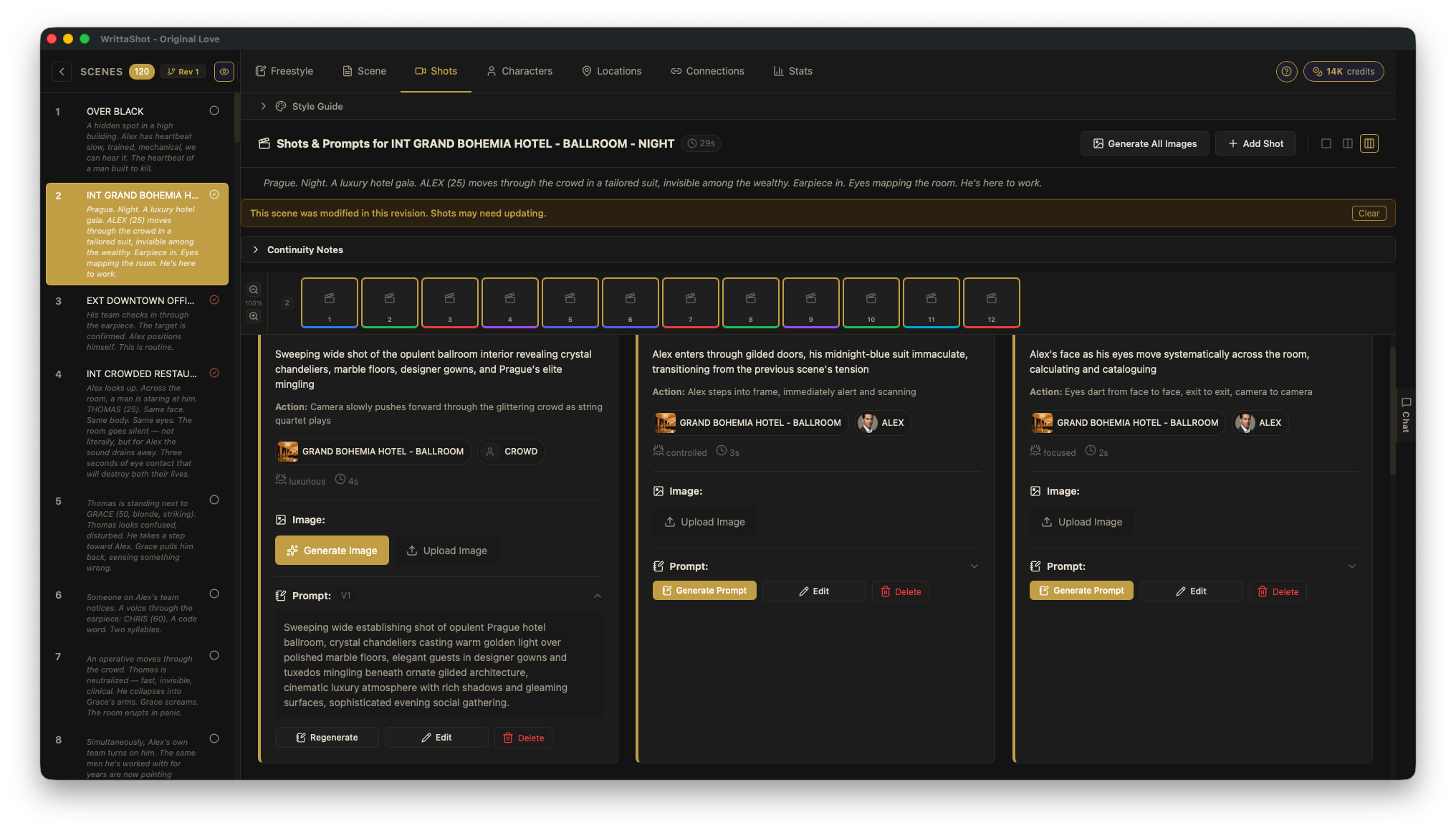
Break down scenes into shots with types, descriptions, duration, and mood. Build your shot list as you write.


Import Existing Work
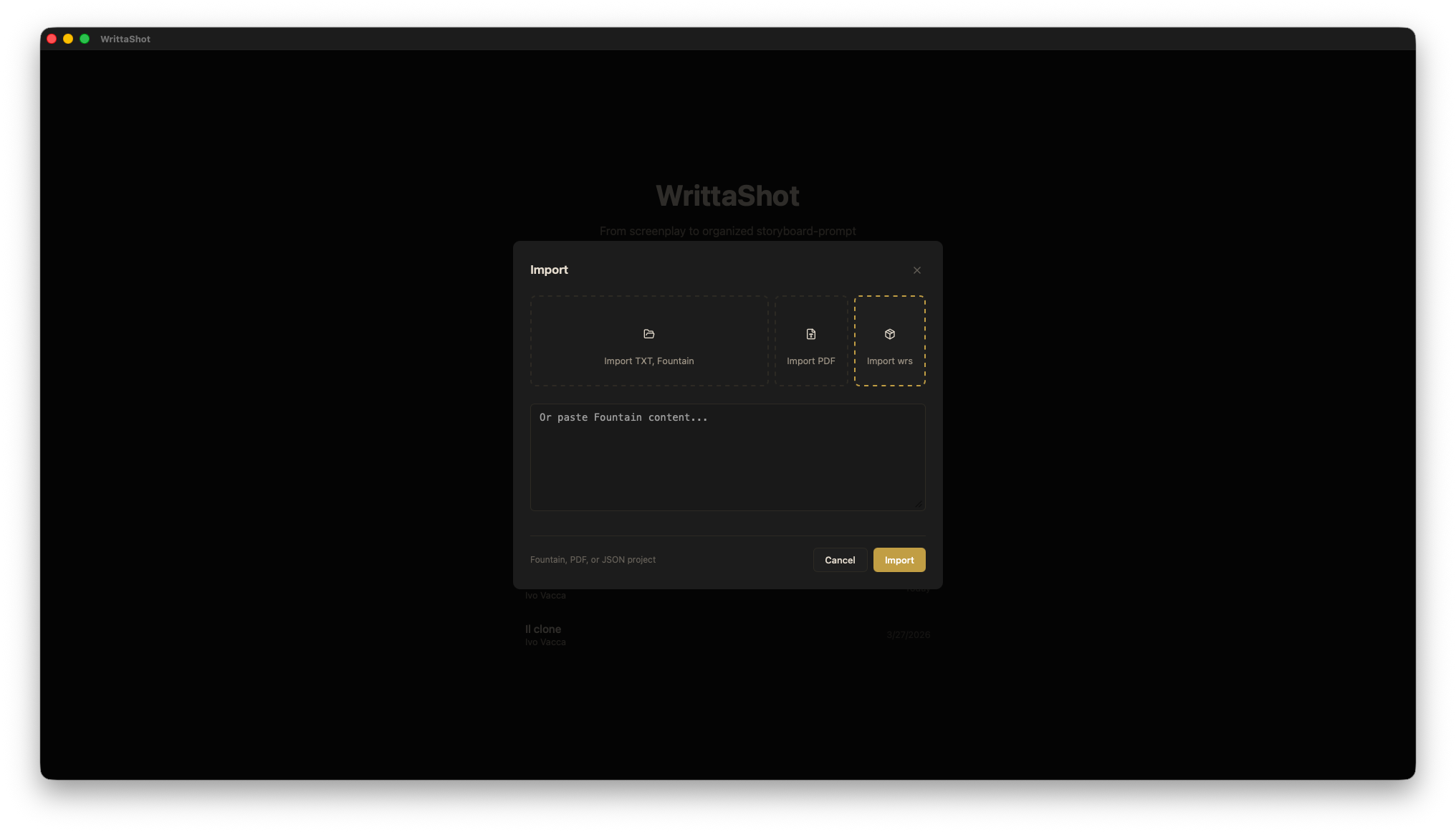
Already have a screenplay? Import Fountain, PDF, RTF, TXT, or ODT files and continue working in WrittaShot.
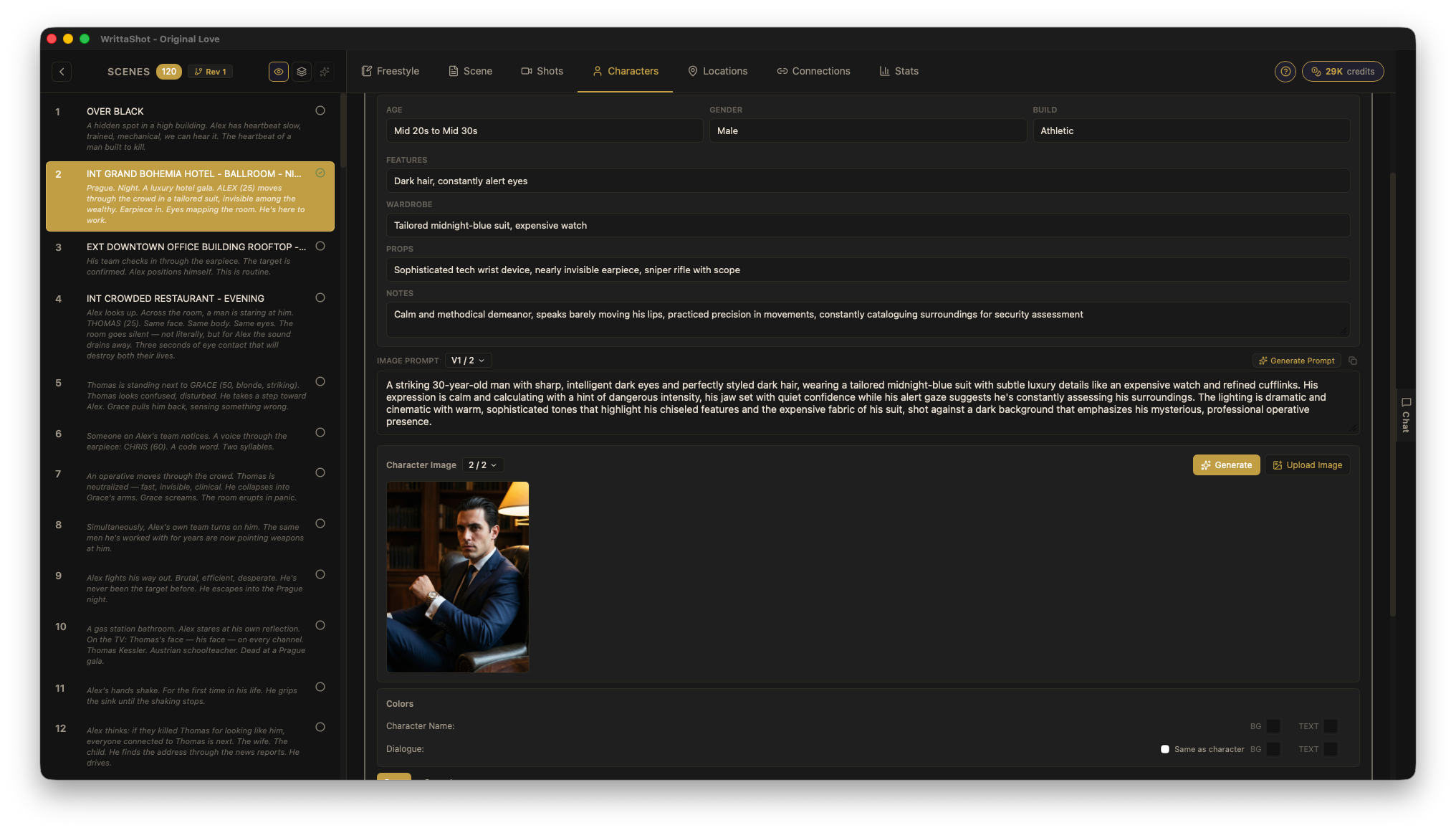
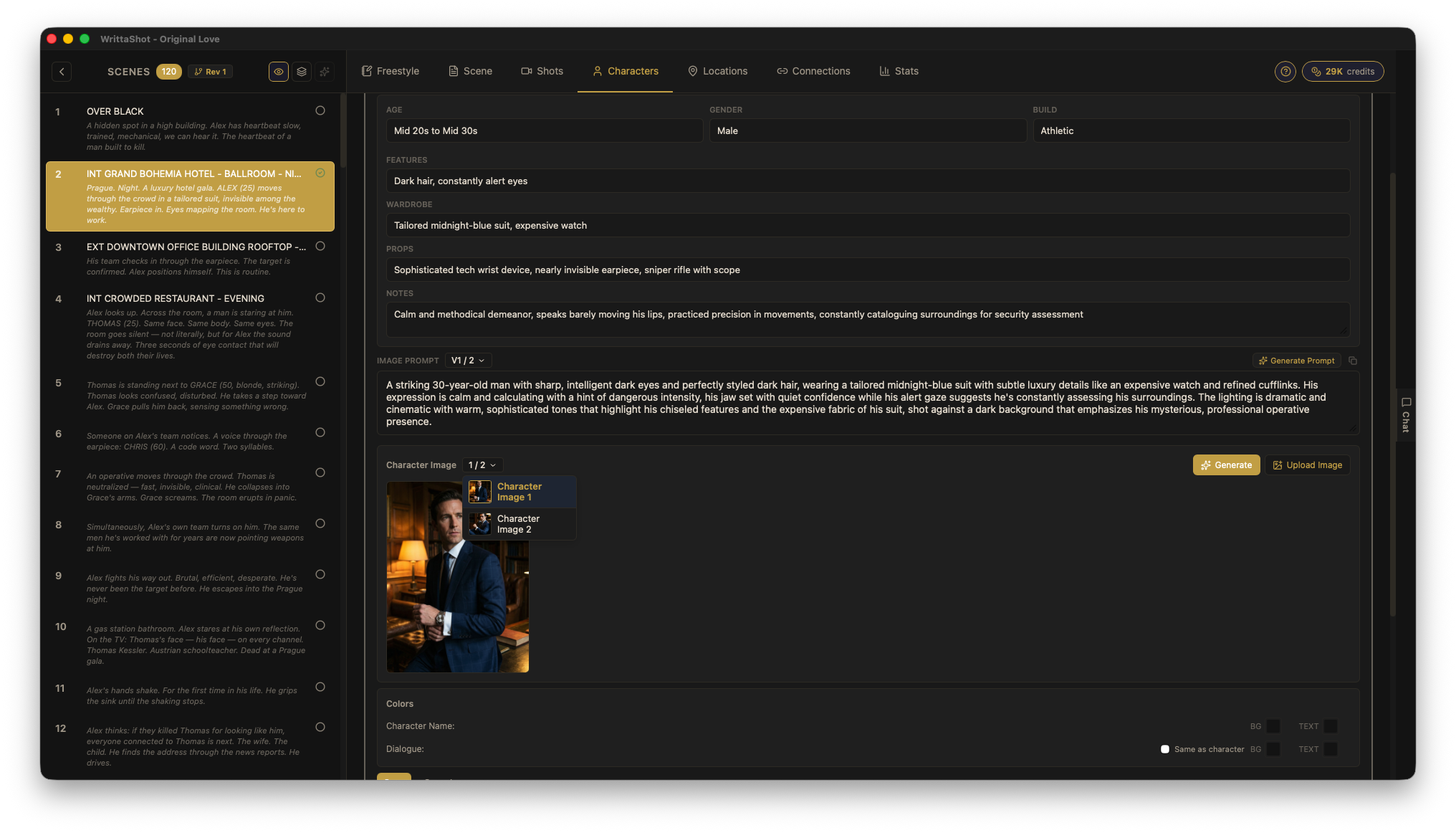
Character Profiles
Build detailed character bibles with age, build, wardrobe, props, and notes. Track who appears in which scenes.


Production-Ready Exports
PDF storyboards, CSV shot lists, animatic videos, lookbooks, JSON backup, HTML for sharing. Everything your production needs.

Your Data, Your Device
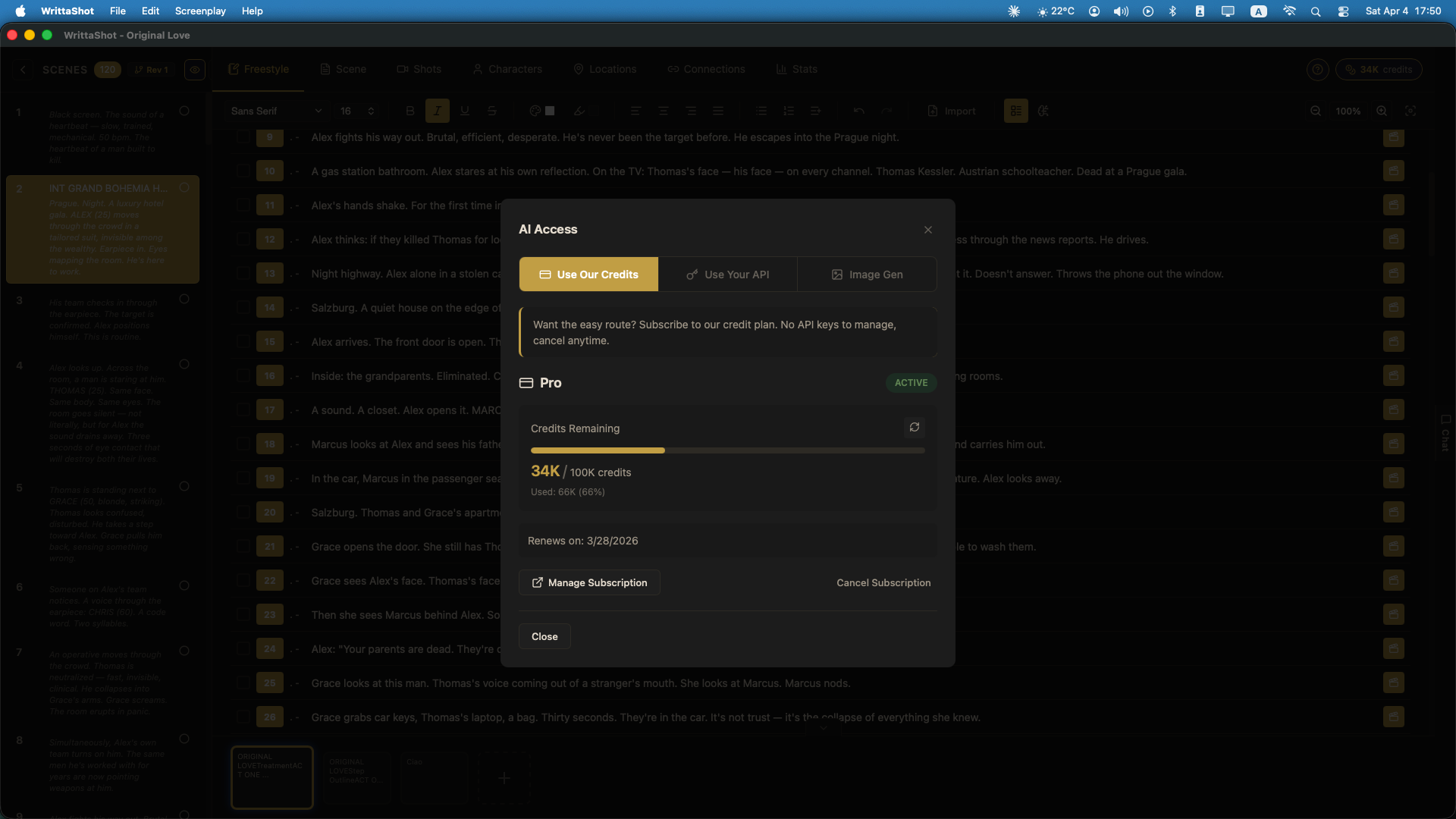
Projects stored locally. No cloud, no accounts required. Use your own Claude API key or our subscription. AI features connect directly to Claude when you choose to use them.
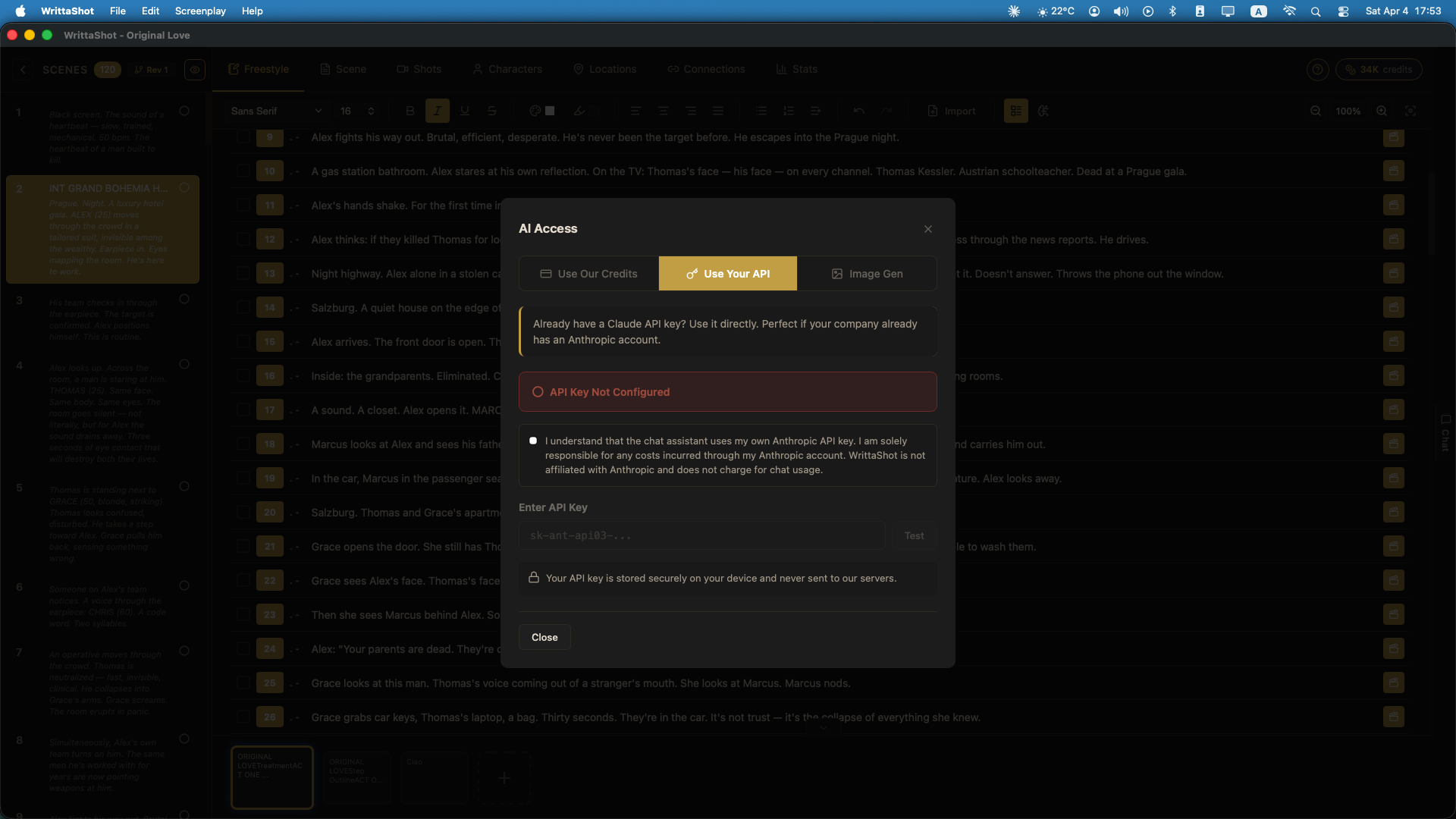
Locations
Manage filming locations with reference images. Track which scenes use which locations for efficient scheduling.


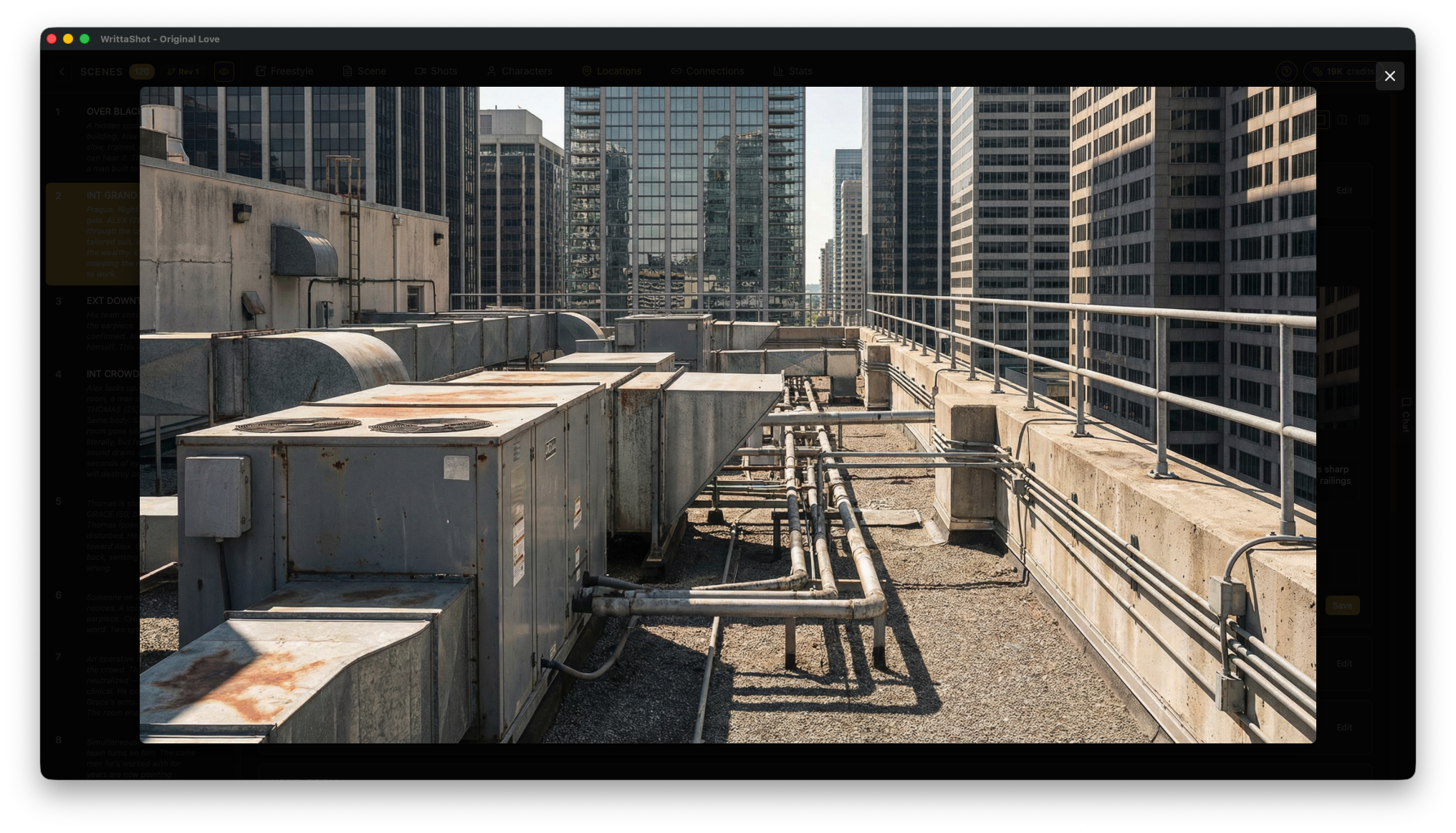
Acts, Continuity & Style Guide
Organize your screenplay into acts. Track continuity across scenes and maintain a visual style guide for your project.
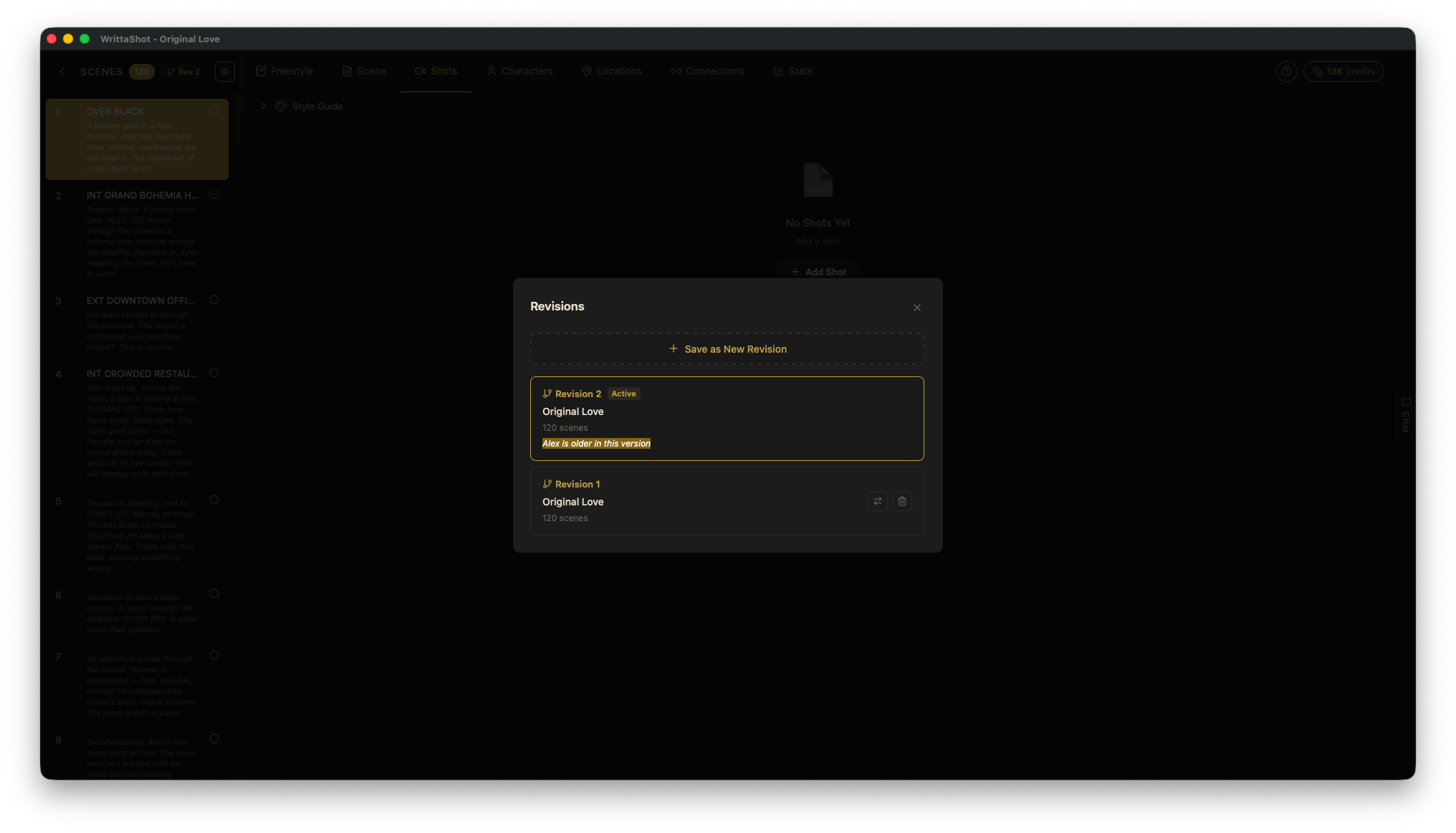
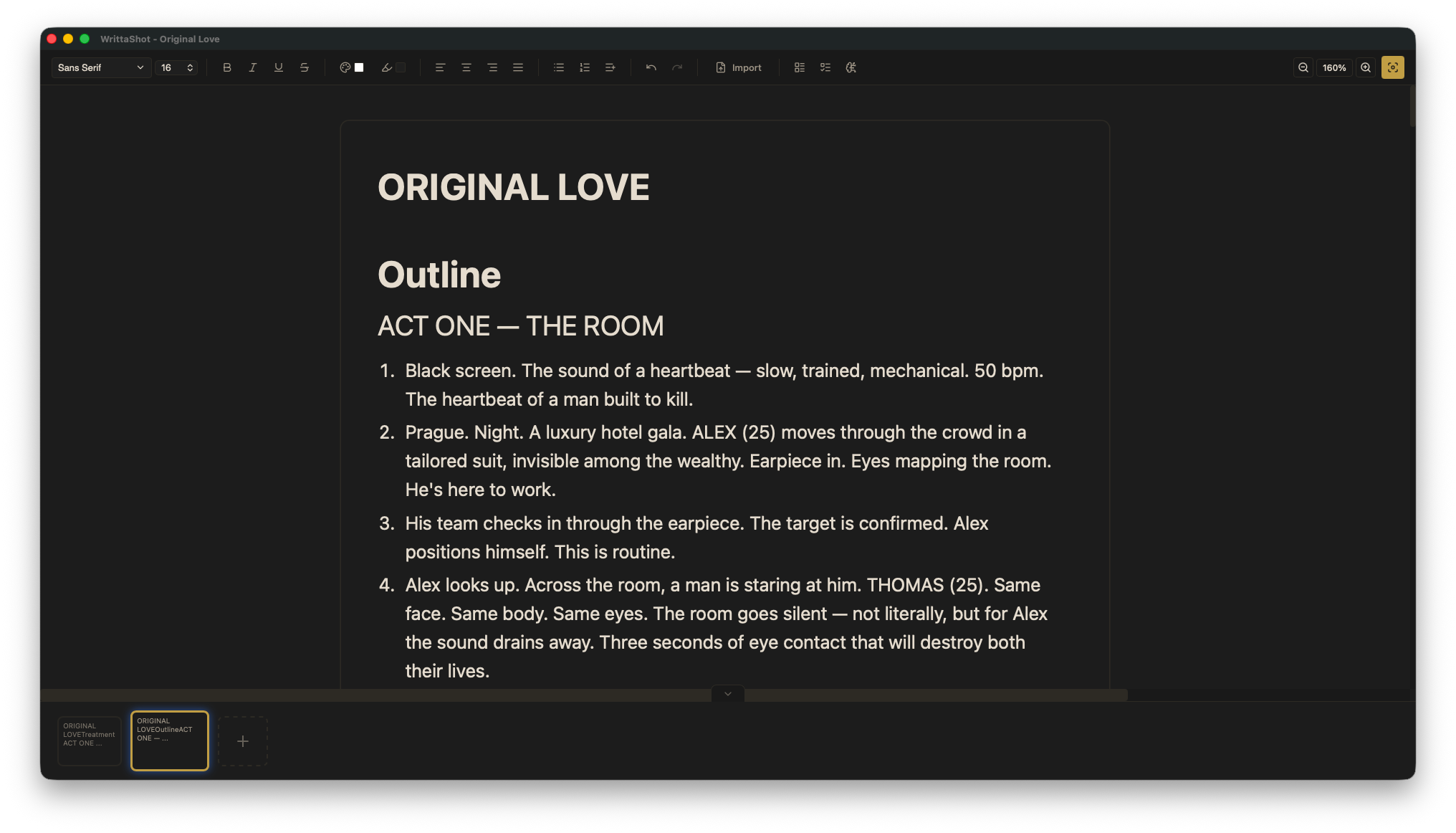
Outline Panel
Your story's spine, in its own dedicated panel between Freestyle and Scene. Write a treatment and let AI break it into scene beats, or type a numbered list to instantly generate scenes. Edit summaries inline, sync across all panels.
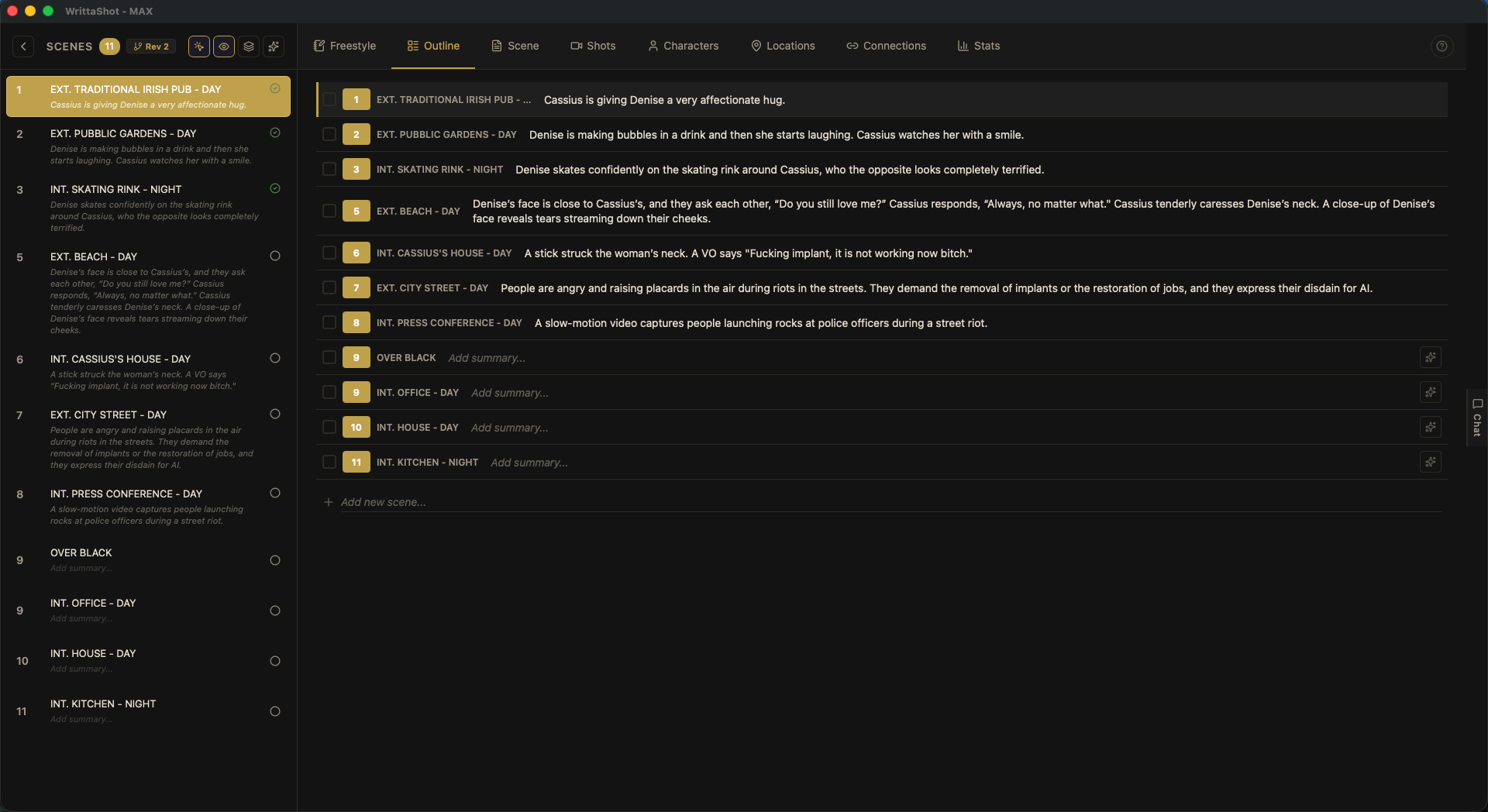
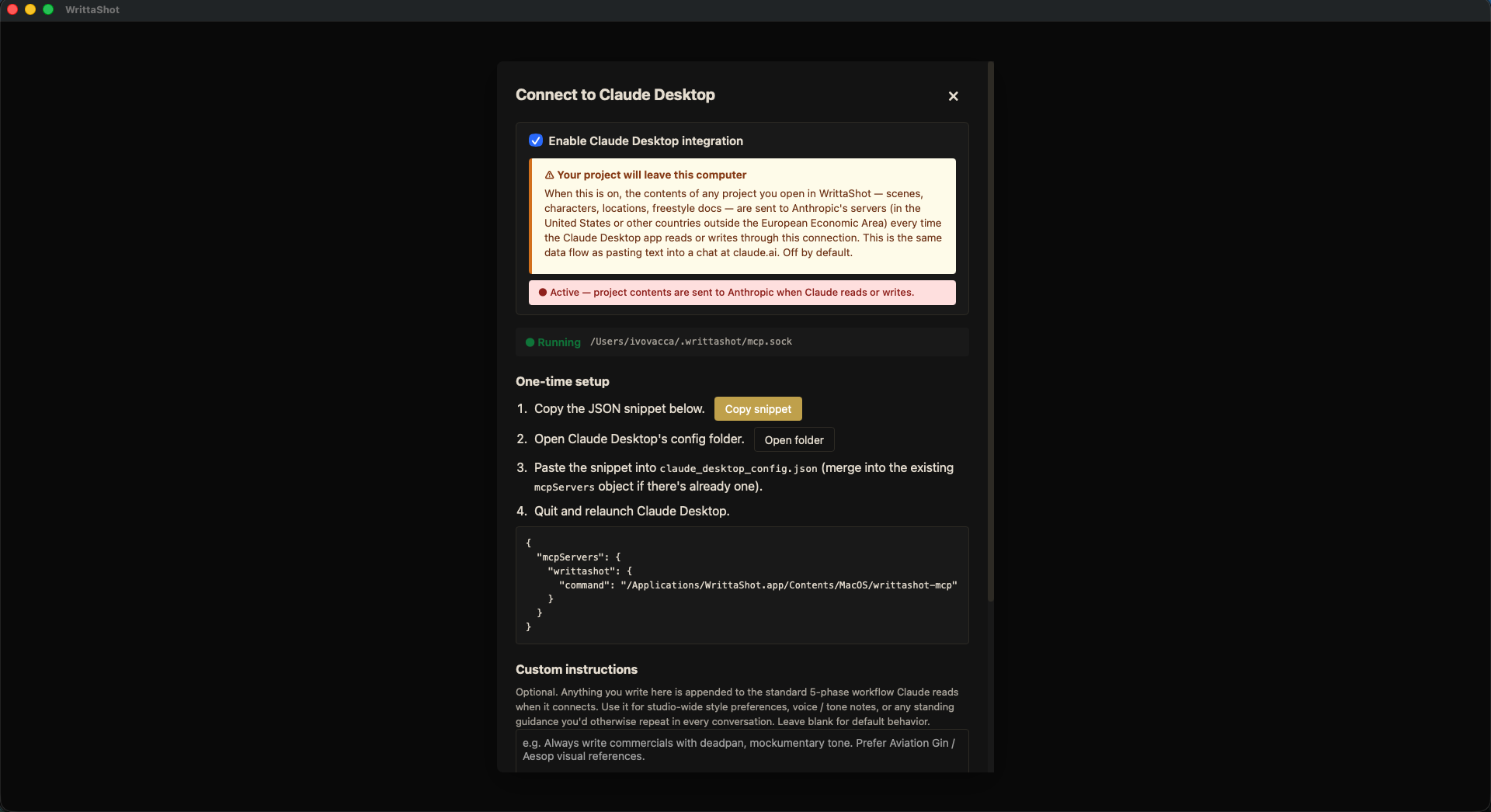
Connect to Claude Desktop
Optional integration with the Claude Desktop app on the same computer. Claude reads and writes your project — concept docs, scenes, characters, locations, shots — using your own Claude.ai subscription. Off by default. Turning it on opens a clear consent dialog naming Anthropic and the GDPR transfer mechanism, so you know exactly what leaves your machine before you say yes.
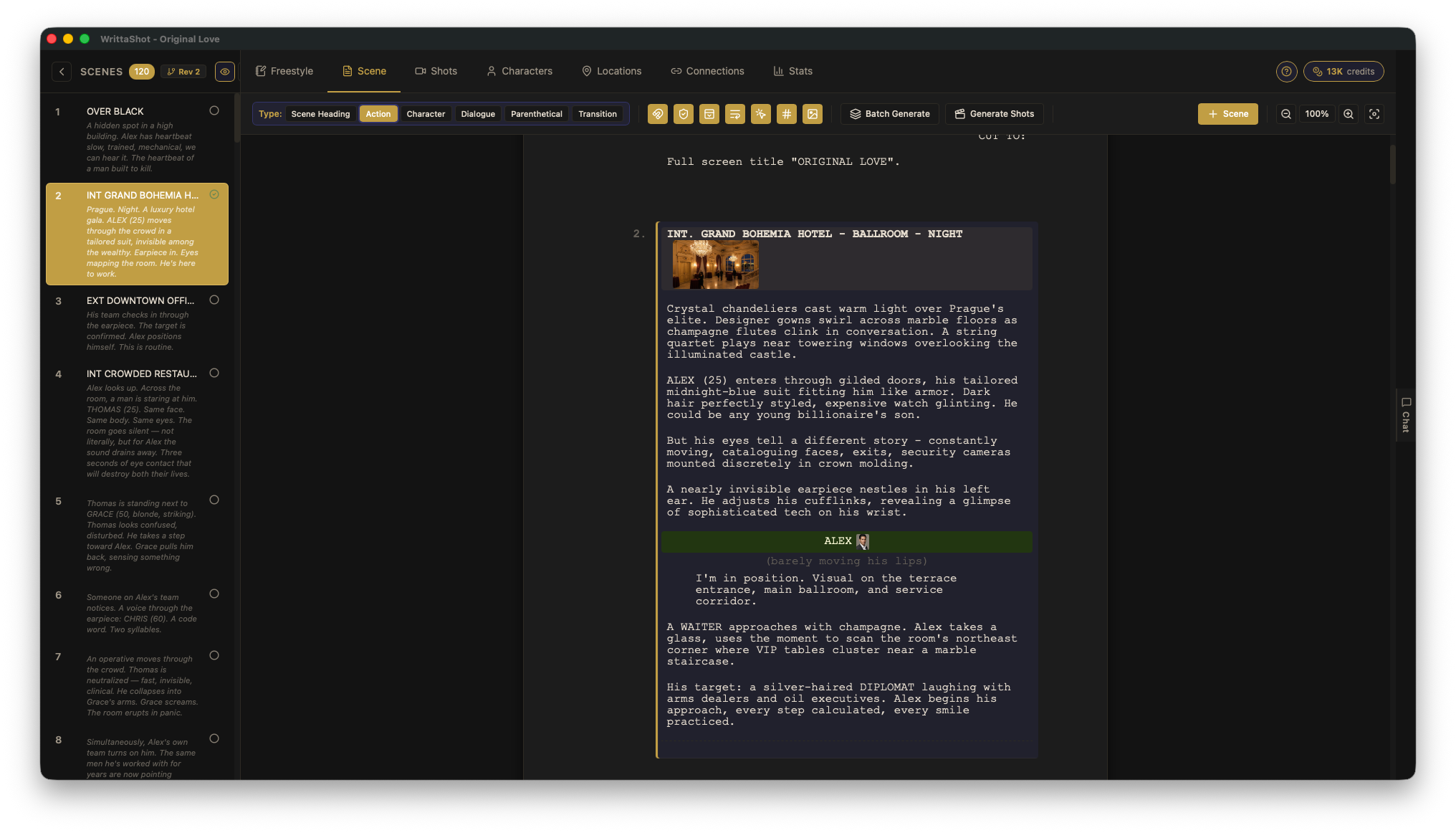
Inline Visual References
See character headshots and location images right next to their names while you write. Toggle on/off from the toolbar. Hover to enlarge for a quick look without leaving the editor.

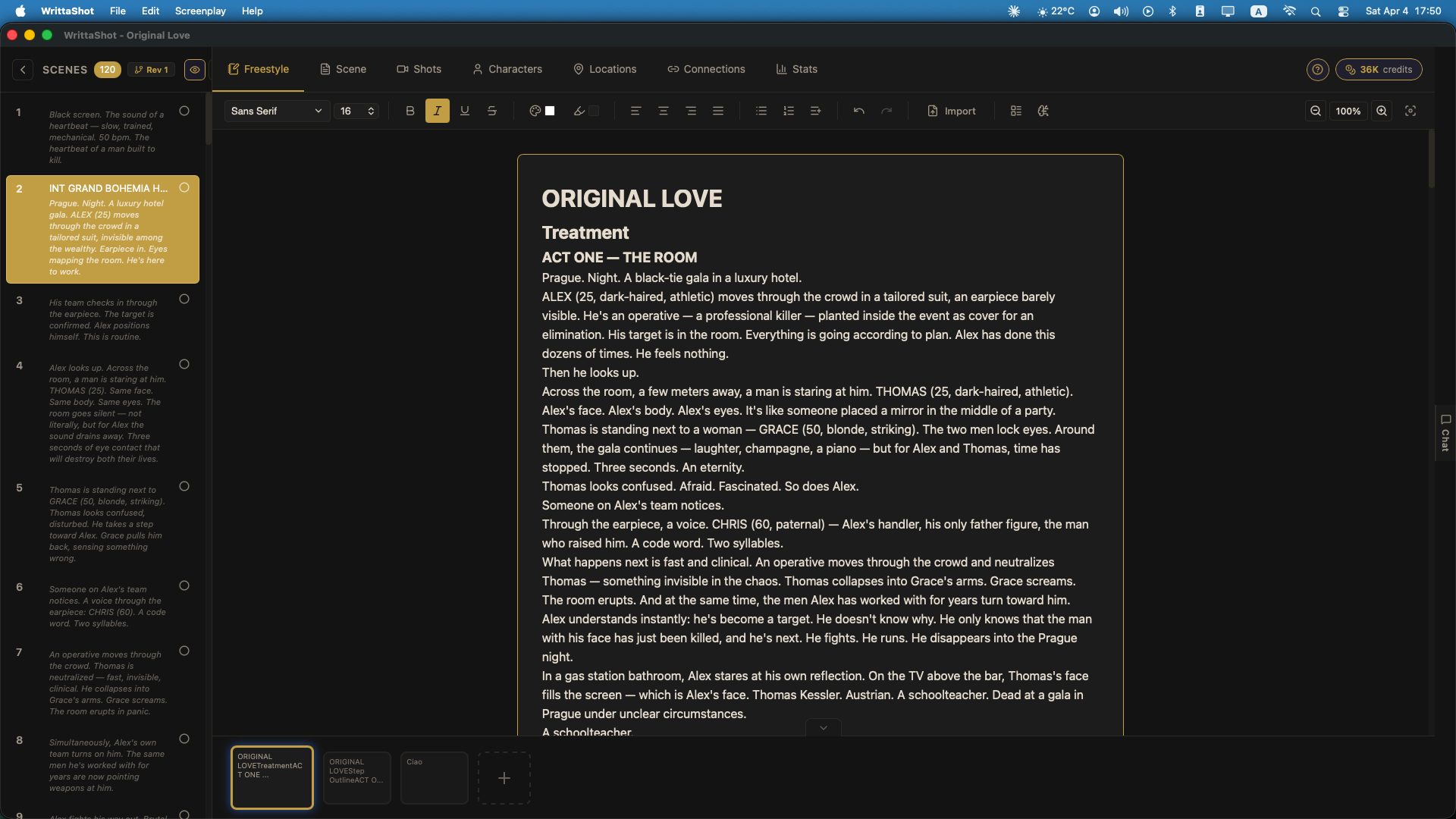
Freestyle Writing
A professional rich text editor for notes, treatments, and backstories. Full formatting, Find & Replace, focus mode for distraction-free writing, and multiple sheets with tabs.
AI Chat Assistant
Chat with an AI that understands your screenplay. Specialized presets for dialogue, character analysis, and visual direction. Include scenes and documents for context-aware feedback.

AI Shot Breakdown
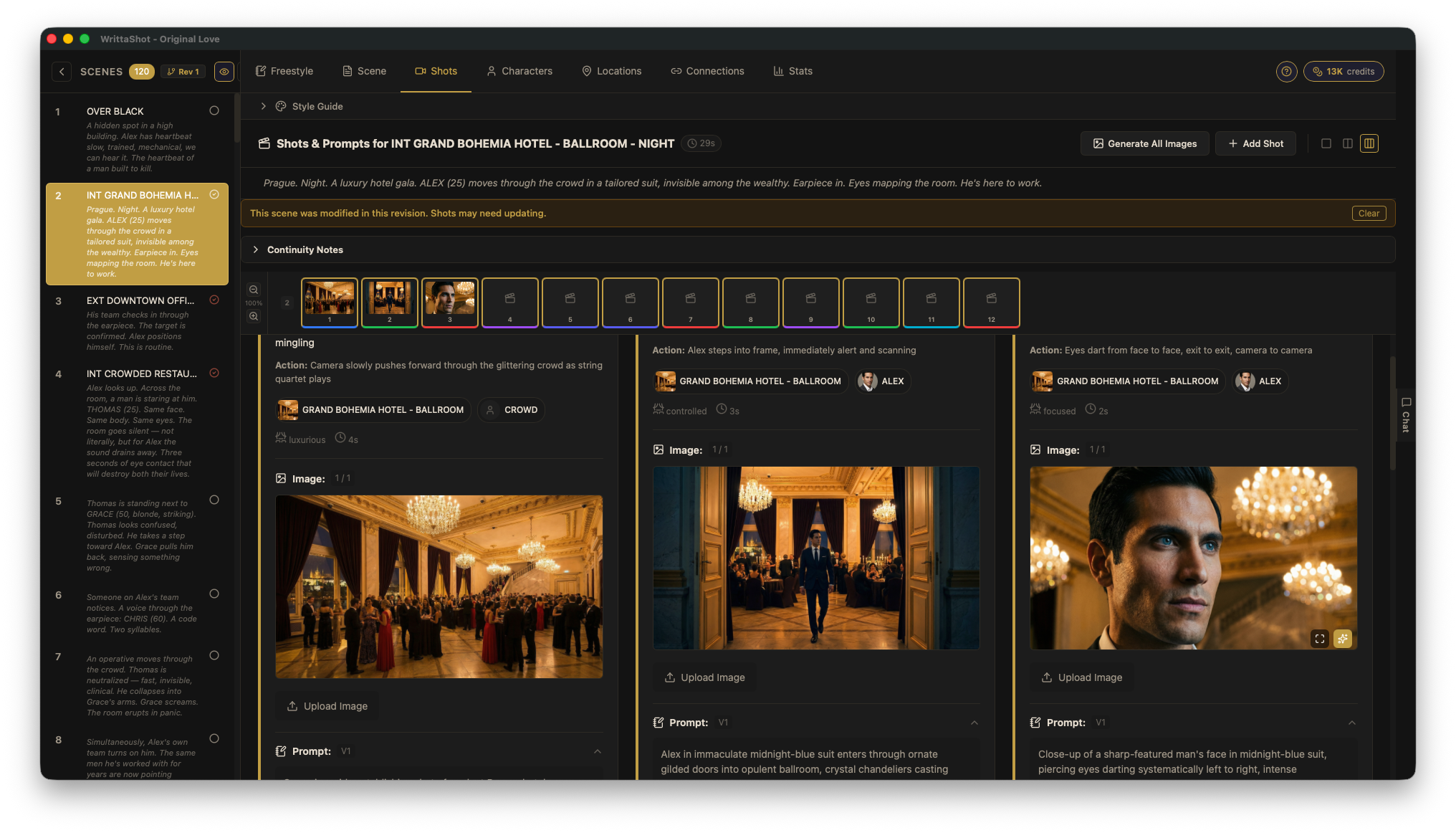
Let AI analyze your scenes and suggest shots with film-level and scene-level context for coherent results. Or do it manually. Powered by your own Claude API key or our optional credit plans.


AI Image Generation
Generate storyboard images directly in WrittaShot using your Nano Banana Pro API key, browse version history, or upload your own. Also export prompts for Midjourney, ComfyUI, and other tools.